
From listening to understanding
Keep the conversation.
Find your next thought.
A recording is a place to return to. Explore a device for the room and a workspace for reviewing the words, without treating an AI summary as the last word.
A way to work with a conversation
Three moments.
One thread of context.
- 01
Start in the room.
Choose Note or Note Pro for the way you carry and charge your device. Ask before recording and keep your attention on the people with you.
Compare the two devices - 02
Return to the words.
In Audream Web, import a recording and review its transcript. Correct a word or a speaker label when the conversation needs a more accurate record.
Explore the browser workspace - 03
Make the notes your own.
Review summary sections and ask questions about your notes. Check the available sources and refine the result before sharing or using it.
Try the illustrative examples
The website examples are demonstrations. Audream Web requires sign-in; check feature and plan availability in your account.
Two devices. A shared design.
A quiet presence.
A practical choice.
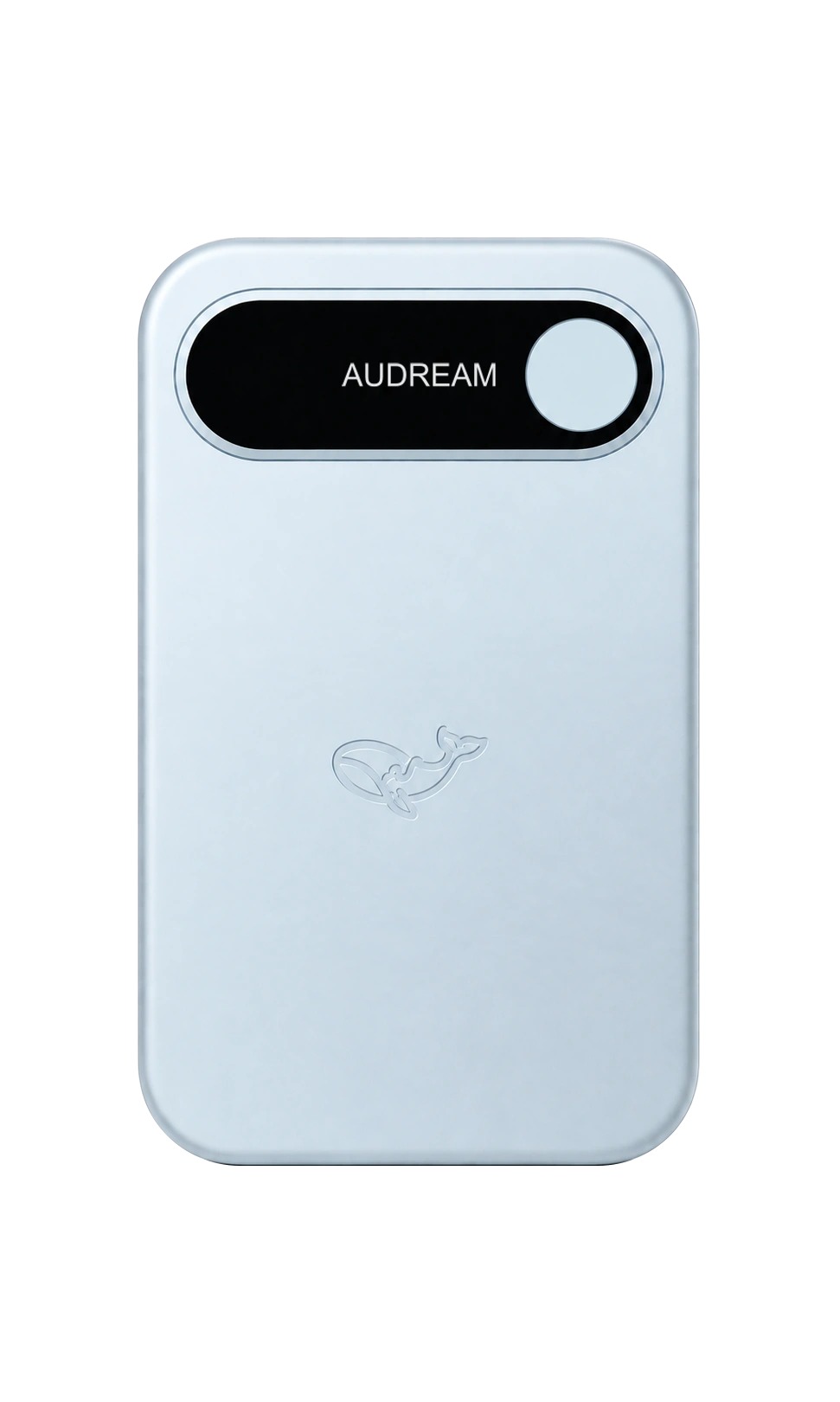
One recognizable front. Two approaches to carrying and charging. Choose the device that fits the way you work.
Available colors, prices, and market availability are shown on each product page. The front view does not show the difference in thickness.
Keep exploring