
Alex
Let’s review the onboarding guide before we share it with the new group on Thursday.
Audream Intelligence
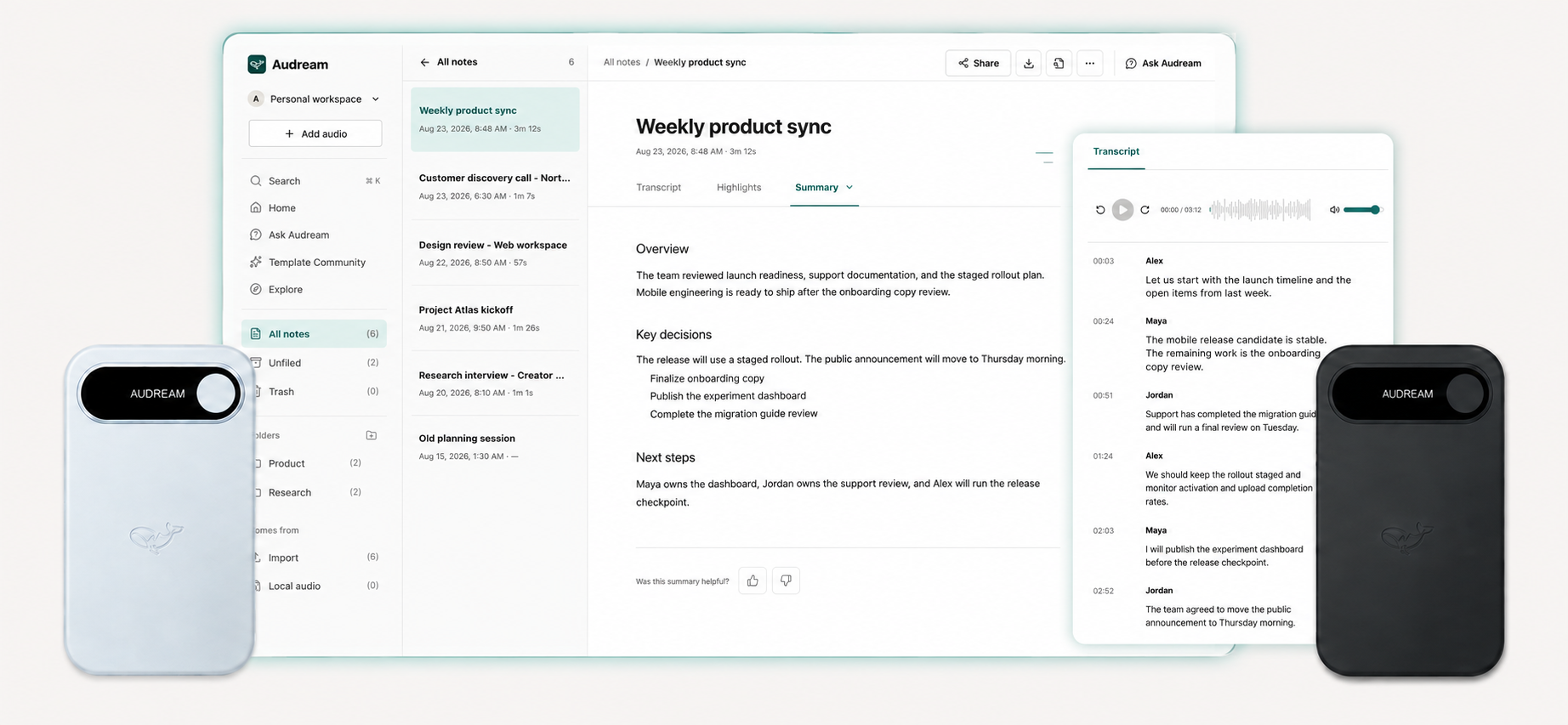
A recording holds the conversation. Your workspace helps you return to it—with a transcript, a summary, and questions worth exploring.
Browser workspace · Sign-in required
01 / Read the words
Read a recording as a transcript. Use speaker labels and timestamps to find a passage, then review the words against the original audio.
In Audream Web, transcript passages can be edited when a word or speaker label needs correction. Start with audio you have permission to use.
Try the example: select a passage. This selects text in a fictional transcript; it does not play audio or process a recording.
Selected passage: Alex at 00:12
Fictional conversation · 3 speakers
Let’s review the onboarding guide before we share it with the new group on Thursday.
I’ll check the setup instructions and send my comments on Wednesday.
I can prepare the introduction. We still need to confirm who will host the session.
Illustrative interface. The app’s interface may differ.
02 / Find the shape
Move from a long conversation to a shorter working document. Review the structure, check the details, and make the notes your own.
Audream Web presents summary sections that you can edit. Use a summary to begin your review, not to assume that every detail or suggested next step is correct.
This example is written from the transcript above. Switch between its overview and next steps; no AI request is made here.
Preparing the welcome session
The group discussed reviewing the onboarding guide before Thursday. Maya will check the setup instructions, Jordan can prepare the introduction, and the session host remains undecided.
From the sample conversation
Sample notes, not a customer document or an automated task list.
03 / Return with a question
Ask about your synced notes in the web app. Review the answer, follow available source links, and verify important information.
A useful answer helps you return to the conversation. It does not guarantee that a detail is complete, current, or correct.
Choose a sample question to reveal a prepared answer. This is an illustration, not a live chatbot.
Who is reviewing the setup instructions?
Check the original conversation before relying on an answer.
What still needs to be confirmed?
Check the original conversation before relying on an answer.
A thoughtful way to work
Let participants know and obtain any required consent. Only upload content you are entitled to use.
Audio quality, speakers, vocabulary, and context can affect results. Correct mistakes before using or sharing your notes.
Review the content and sharing options in your account. Avoid including private details that are not needed.
Before you begin
No. The examples on this page are predefined text. Selecting a passage or question only changes this page; no recording is uploaded and no AI request is sent.
No. Transcripts, speaker labels, summaries, and answers can contain errors. Review important details against the original recording and apply your own judgment.
View current AI plans and check the features available in your account. This page does not quote a universal price or promise a specific processing speed, language accuracy, or usage allowance.
Explore the browser workspace, then sign in to Audream Web with a recording you have permission to use. For a recorder, explore Note or Note Pro.