
Source excerpt
Fictional staff training discussion
For the next training session, let us walk through the handover checklist together. We have not agreed who will prepare the example yet.
Read the words. Keep the uncertainty.
Audream / Healthcare
Explore a considered approach to recording and reviewing permitted training and team conversations. Begin with the information you are allowed to record.

What should the training group revisit?
In the flow of your day
Keep a permitted explanation available for later review, without using patient details.
Collect questions from a workshop and check them with the people responsible.
Organize non-sensitive learning notes without turning them into clinical advice.
A small example / Healthcare
Illustrative text written for this page, not a customer case or a live AI response. Nothing is recorded, uploaded or sent.
Source excerpt
For the next training session, let us walk through the handover checklist together. We have not agreed who will prepare the example yet.
Read the words. Keep the uncertainty.
Illustrative summary
Review the handover checklist at the next training session. The person preparing the example has not been agreed.
A summary is a draft to review. It can miss context or introduce an error.
Your review checklist
Keep the source available while reviewing your notes.
Consider the context
This page does not establish suitability for patient data, clinical documentation or a regulated workflow. Confirm organizational approval and applicable data-handling requirements before recording or uploading. Do not use this example for clinical decisions.
Questions about responsible use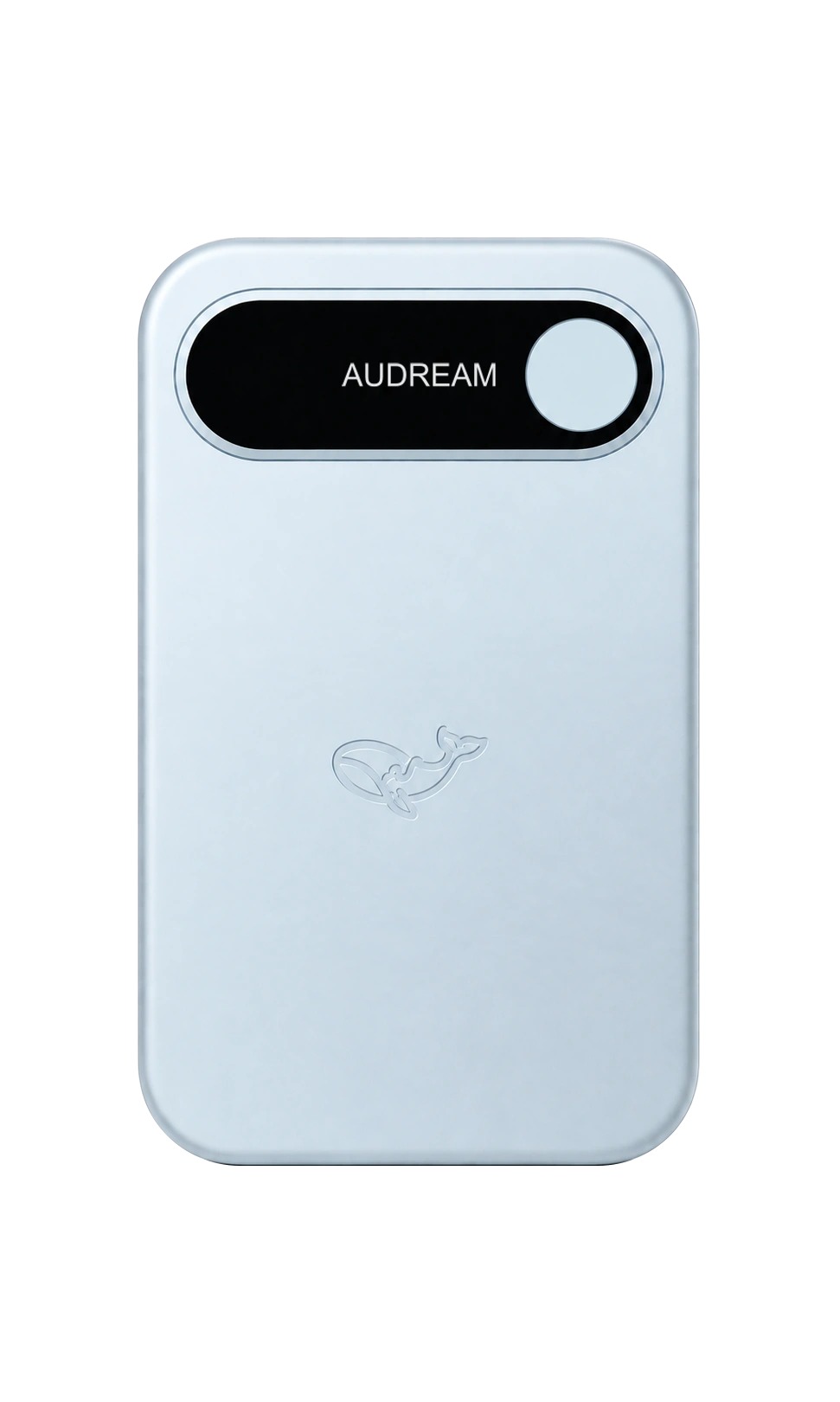
For the moments you can record
Explore Note and Note Pro, then choose the device and available variant that fit your day. Current pricing and availability are shown for your selected market on the product page.
Before you begin
No. The example is a fictional staff training conversation without patient information. It does not demonstrate clinical note generation or integration with a medical record system.
Do not assume permission or suitability from this page. Obtain the necessary organizational review and confirmation of data handling before using sensitive information.
The browser workspace is separate from this illustrative page. Sign in to Audream Web to check the tools and plan features available in your account.
Open Audream Web