Audream Note. Seven colors, yours to choose.Note or Note Pro? Find your fit →Build an intelligent audio product. Explore OEM & ODM →
AUDREAM
Start a project0

Choose your country or region

NOTE PRO / DISPLAY DESIGN

A glance. A clearer status.

The information you need, where you can see it. A quiet screen for the moments between recordings. A clear signal when the conversation is being captured.

Explore the display ↓
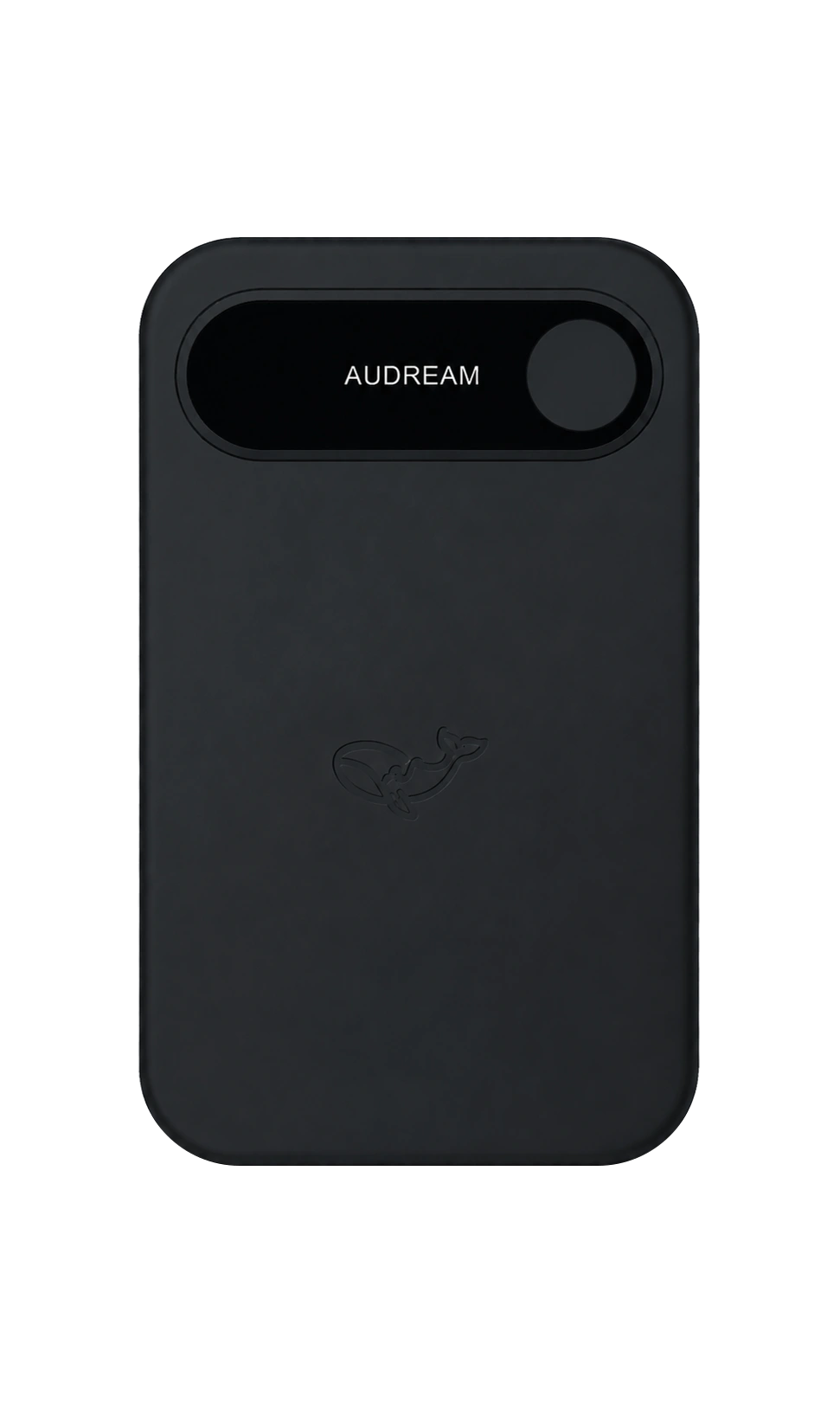
Audream Note Pro shared front design in Space Black, with a horizontal screen and round recording control
Shared front design · Space Black
The front view does not show Pro thickness, USB-C or the side control.

01 / KNOW WHAT YOU ARE SEEING

Four moments.
One clear place to look.

Interactive design examples, not shipping firmware screenshots. Selecting a state changes only this illustration; it does not operate a device.

Choose a display example
DESIGN EXAMPLE / STANDBYSchematic screen content · not a physical screen-size drawing

Standby

Ready to check in.

The brand, battery and connection status provide a quiet starting point. A connection symbol alone is not confirmation that a recording has been saved or transferred.

DESIGN EXAMPLE / RECORDINGSchematic screen content · not a physical screen-size drawing

Recording

Recording belongs on the screen.

A red recording point and elapsed time communicate the recording state. There is no separate glowing button ring or additional light effect. The time below is a fixed illustration, not a live recording.

DESIGN EXAMPLE / CHARGINGSchematic screen content · not a physical screen-size drawing

Charging

Power, with the right connection.

Battery information stays on the display. Note Pro uses USB-C; Note uses matching charging contacts. This example does not specify a charging speed, battery capacity or power-bank output.

DESIGN EXAMPLE / LOW BATTERYSchematic screen content · not a physical screen-size drawing

Low battery

Notice the power you have left.

A nearly empty battery gives a clear visual cue. Check your device before an important session. The example value does not define a firmware warning threshold or remaining recording time.

02 / BEFORE AN IMPORTANT CONVERSATION

Check the signal.
Then check the recording.

01

Know your model.

Note and Note Pro have a shared front design, but different bodies and charging connections. Use the instructions and charger intended for your model.

Read the device guide ↗
02

Make a short test.

Check the device’s recording status, finish a short test using its supplied instructions, and confirm playback before relying on it for an important session.

Explore Note Pro ↗
03

Keep the original.

A connection symbol is not a transfer receipt. Confirm the saved file in the appropriate device or app before deleting or resetting anything.

Find app guidance ↗

03 / THE DETAILS MATTER

Design intent.
Honest boundaries.

For a device-specific answer, have your model and firmware version ready. Do not include private recordings in an initial support request.

Contact Audream ↗
Are these screenshots from shipping firmware?

No. These are interactive web illustrations of the Audream display direction, not a firmware simulator or a verified device-status reference. Exact symbols, thresholds and behavior must be checked against the instructions for your model and firmware.

Does selecting an example control my recorder?

No. These controls only switch the illustration on this page. They do not record audio, pair a device, start charging, transfer a file or update firmware.

Which button controls the power-bank function?

The Note Pro design includes a separate side control for the power-bank function. The front control remains the recording control. Do not infer a triple-click or long-press sequence from these illustrations; use the instructions supplied for your device.

Where are transfer and firmware-update instructions?

Check the model, app version and instructions supplied with your device. This page does not establish Bluetooth, Wi-Fi or wired-transfer support and does not distribute a firmware file. Contact support if the correct instructions are missing.

Ask Audream