
Audream / Students, educators and professionals
Choose with a little more clarity.
Buying for study, teaching or work? Start with the current devices, then ask about arrangements for your region and purchase.
A considered purchase
Three things to check.
- 01 / Region
Start where you are.
Use the site’s region selector and review the products, currency and options available for your market.
- 02 / Device
Choose the right fit.
Compare Note and Note Pro, then choose an available variant on its product page. A color preview is not a stock reservation.
- 03 / Terms
Confirm before paying.
Review any confirmed offer, delivery arrangements and the final checkout total. An inquiry is not an approved discount or an order.
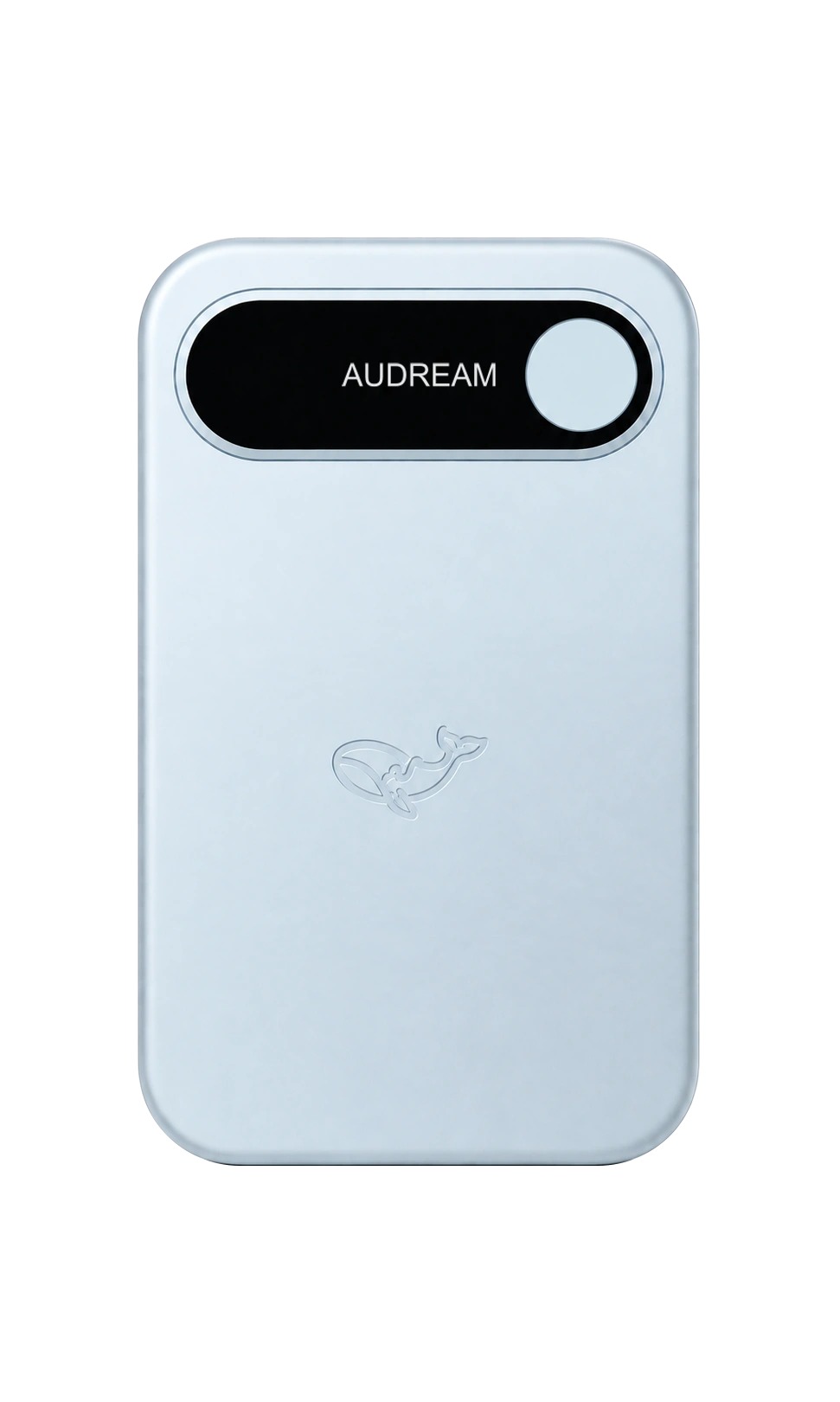
Front design shown
Meet the current lineup
Two devices.
Your choice.
Explore the design and available options for Note and Note Pro. Current pricing and availability are shown for your selected market on the product page.
Compare the devicesPurchase questions
Before you take the next step.
Is an affiliation discount applied automatically?
No automatic affiliation discount or identity-verification service is available on this page. Confirm any offer and its terms before ordering.
What if I already have a promotion code?
If the checkout offers a promotion-code field, enter your code there and check the final total. Eligibility, validity and combinations depend on the code; this page does not issue or validate codes.
What should I include in a purchase inquiry?
Your region, device, approximate quantity and purchase questions are a useful starting point. Do not include identity documents, payment details or sensitive work information.
Does contacting sales place an order?
No. The contact page prepares an email draft for you to review and send yourself. It does not reserve stock, approve a discount or place an order.
Let’s clarify the details
Bring your questions.
The contact page prepares an email draft. Review it and send it yourself; nothing is submitted by opening the page.